50,000 Variations From One Prompt
One Prompt, Infinite Images
In the first tutorial, I showed you the pipeline. In the second, I showed you the three entry points and how I crop, tag, and enhance a reference image into a finished piece.
That flow works great when I want a specific image. But what about when I want hundreds?
This is my other main workflow — and it's how I produce the bulk of my daily output. Instead of carefully guiding one image through the pipeline, I set up a system that generates thousands of variations automatically and then I cherry-pick the best ones.
Same starting points. Same finish. Completely different middle.
The Concept: Prompt Recipes
Think of a recipe in a cookbook. It has ingredients — but some ingredients are interchangeable. You could use chicken or tofu. Basil or cilantro. The recipe stays the same, but every combination produces something different.
That's exactly how my prompt recipes work.
I take a prompt and break it into slots. Each slot represents one element of the image — the character, the pose, the outfit, the lighting, the composition. Then I give each slot multiple options.
The system randomly picks one option from each slot and combines them into a complete prompt. Different combination every time.
Here's where the math gets wild:
- 4 body type options
- 4 different builds
- 34 character variations
- 5 different checkpoints
- Random LoRA mixing on top of all of that
4 × 4 × 34 × 5 = 2,720 unique combinations. And that's a simple recipe. Some of mine have slots with 10, 20, even 50 options. The total possibility space can hit 50,000+ unique images from a single recipe.
I don't generate all 50,000. I let it run for a few hours and produce 200-500 images, then I scroll through and pull out the ones that catch my eye.
How It Starts
The entry point is the same as everything else — I either:
- Find a cool image somewhere and extract tags from it
- Grab a prompt from Civitai or anywhere I see something interesting
- Write something from scratch based on an idea in my head
Whichever route I take, I end up with a base prompt. Then I run it through my enhancement pass — the same lighting, composition, and color upgrades I showed in the last tutorial.
But this time, instead of generating directly from that enhanced prompt, I feed it into something different.
The Splitter
This is where it diverges from the reference image flow.
I take my enhanced prompt and run it through a splitter — a tool that breaks the prompt apart into individual pieces. Subject, pose, clothing, setting, lighting, composition — each piece becomes its own slot.
Then I go through the slots and make decisions:
- Which slots stay fixed? If I want every variation to have the same lighting setup, I lock that slot to one option.
- Which slots get variations? If I want different poses, I add multiple options to the pose slot. Different outfits? Multiple options in the clothing slot.
- What extras do I add? Body types, character archetypes, specific details that aren't in the original prompt but would create interesting variations.
I also pick which checkpoints (AI models) to cycle through. Each checkpoint interprets the same prompt differently — different art styles, different levels of detail, different strengths. Running the same recipe through 5 checkpoints multiplies the variety.
And then there are LoRAs — small add-on models that push the output in specific directions. Character LoRAs, style LoRAs, quality LoRAs. I have a library of them, and the system randomly mixes different LoRAs into each generation. Some combinations produce unexpected magic.
The Generation
Once the recipe is set up, I hit go and let it run.
The system works through every combination automatically — picking a random option from each variable slot, selecting a checkpoint, mixing in LoRAs, and generating an image. Then it does it again with a different combination. And again. And again.
I usually let it run for 2-4 hours depending on how complex the recipe is. By the time it's done, I have a folder with 200-500 images.

Most of them are decent. Some are garbage. A few are incredible. That's the whole point — you cast a wide net and pull out the gems.
The Cherry-Pick
This is the part that surprises people: I scroll through all 200-500 images manually.
No algorithm. No automated scoring. I just open the folder and start scrolling. When something catches my eye — a composition that works, a lighting effect that hits, a character that has presence — I drag it to a winners folder.
Out of 300 images, I might pull 15-25 that I like. That's my selection rate: roughly 1 in 15.
The ones I don't pick aren't necessarily bad. They're just not the best version of that concept. When you've seen the best version, the rest feel flat by comparison.
First pass — I scroll through all 80 and pull out everything that catches my eye. That gets me down to about 40:

Second pass — I look more carefully. Which compositions actually work? Which faces have presence? Which lighting effects hit? Down to 9:
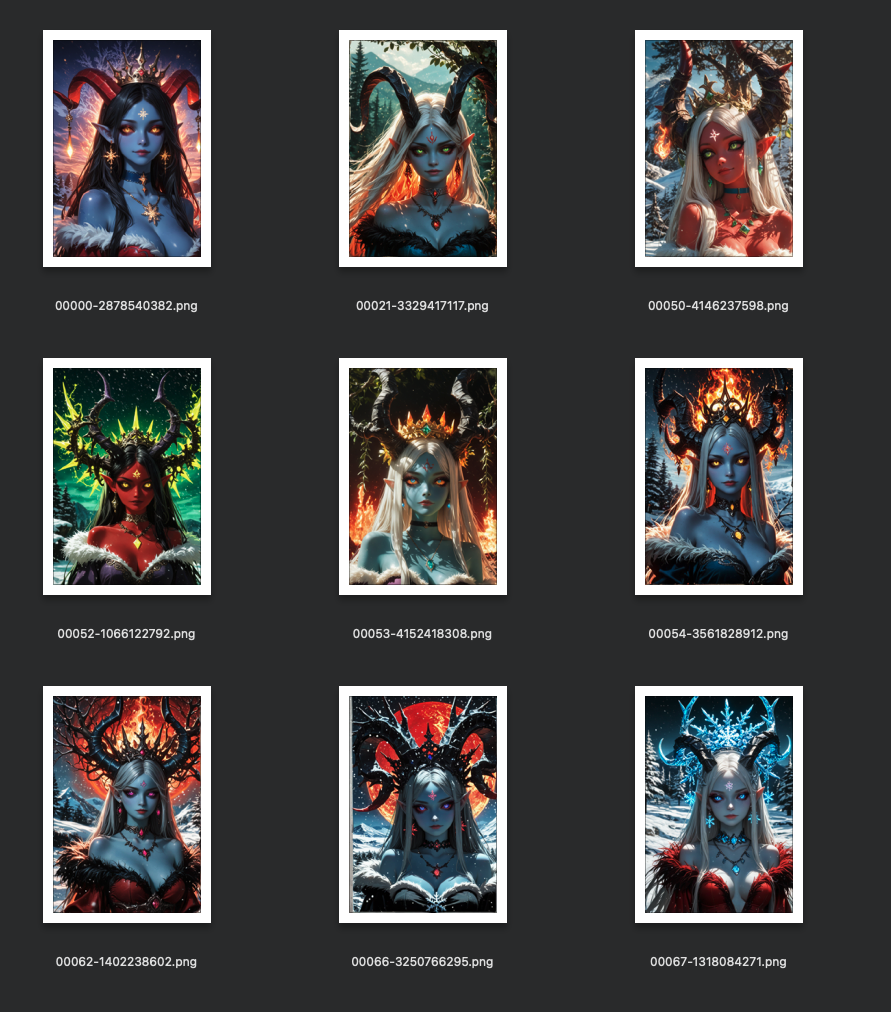
Final pass — side by side comparison. Which 3-4 do I actually want to spend time polishing? These are the ones going into img2img:
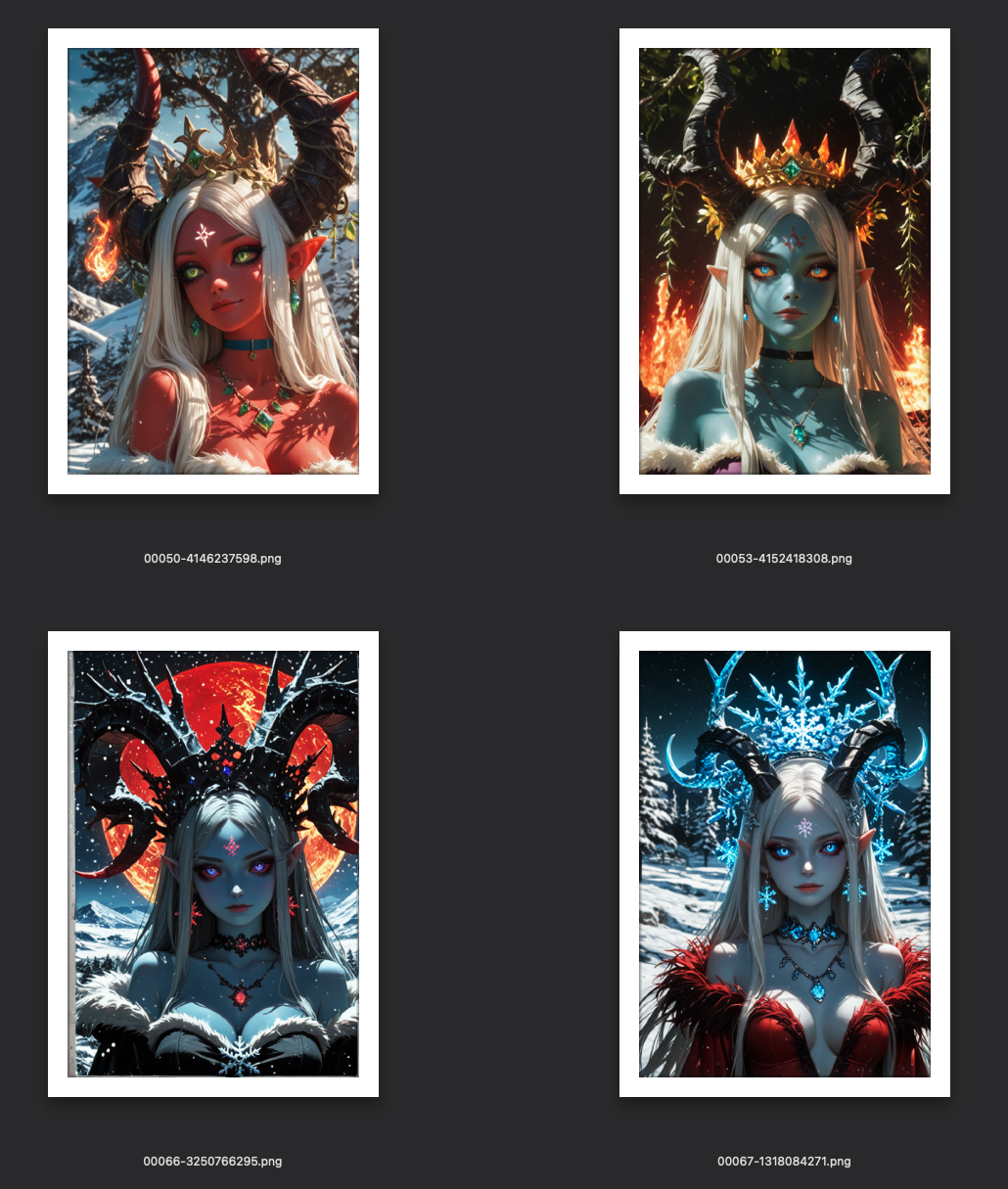
From 80 images down to 4. That's the selection process.
In reality, I'll probably come back and run hi-res passes on all 4 of these — maybe even go back to the top 9 if I liked them enough. But for now, I'm focusing on one to show you the full pipeline.
The Final Polish
The winners from the batch are good — but they're not finished. They came out of txt2img, which means they're the raw concept. Now they go through the same finishing process as everything else.
For each winner, I:
- Re-enhance the prompt — based on what actually came out, I tweak the prompt. Maybe I want to push the lighting harder, or remove an element that showed up but doesn't work, or add something I see potential for.
- Run it through img2img with all my checkpoints — same image, 5 different models, each adding their own interpretation.
- Multiple passes — 3 to 7 img2img passes per model, each one refining the details, cleaning up artifacts, tightening the composition.
- Cherry-pick again — from the img2img results, I pick the absolute best version.
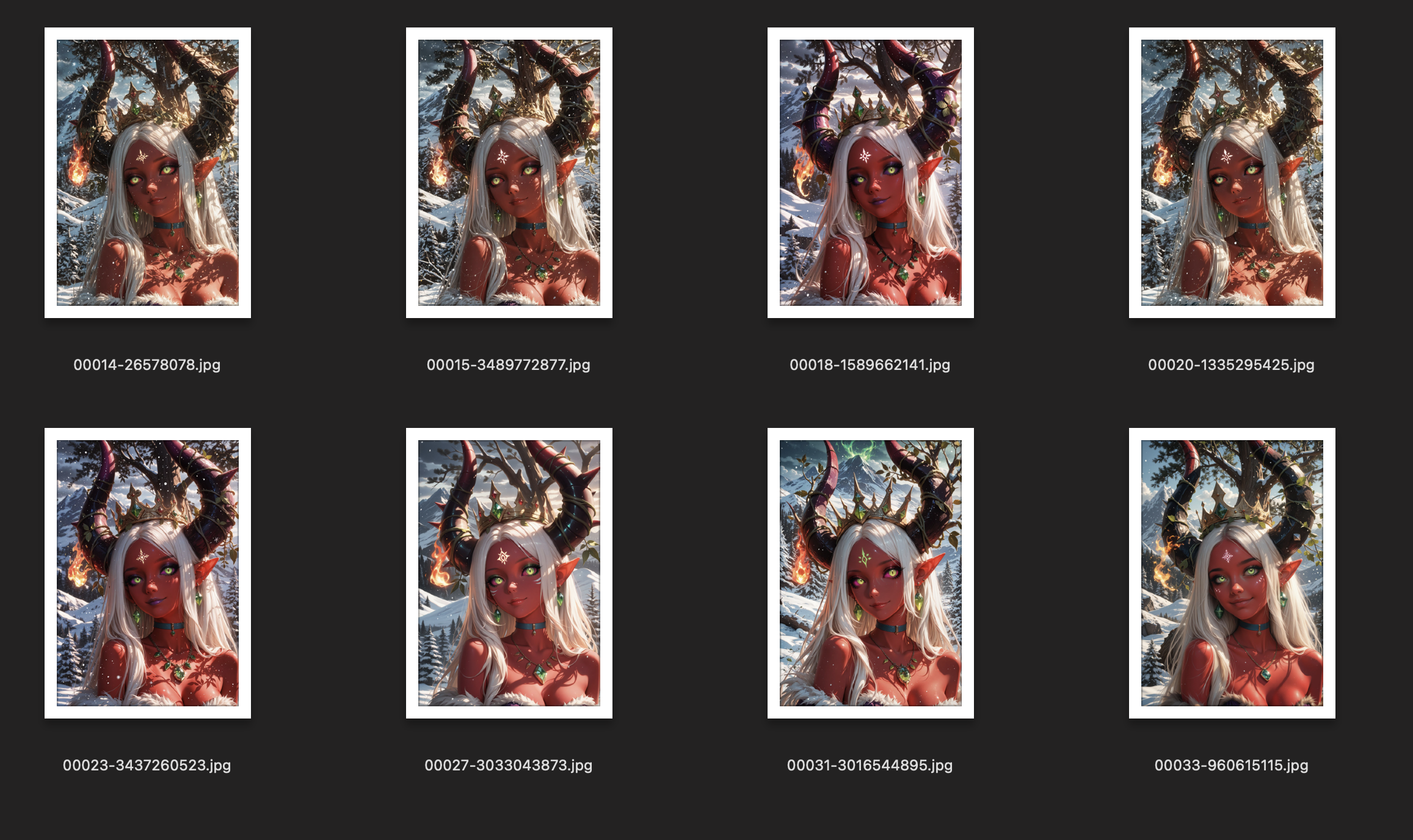
I ran this winner through 7 different models at 3 different denoise levels each. That's 21 versions of the same image — each model interpreting it slightly differently at different levels of creative freedom:

From those 21, I pull the ones that improved on the original without losing what I liked about it:
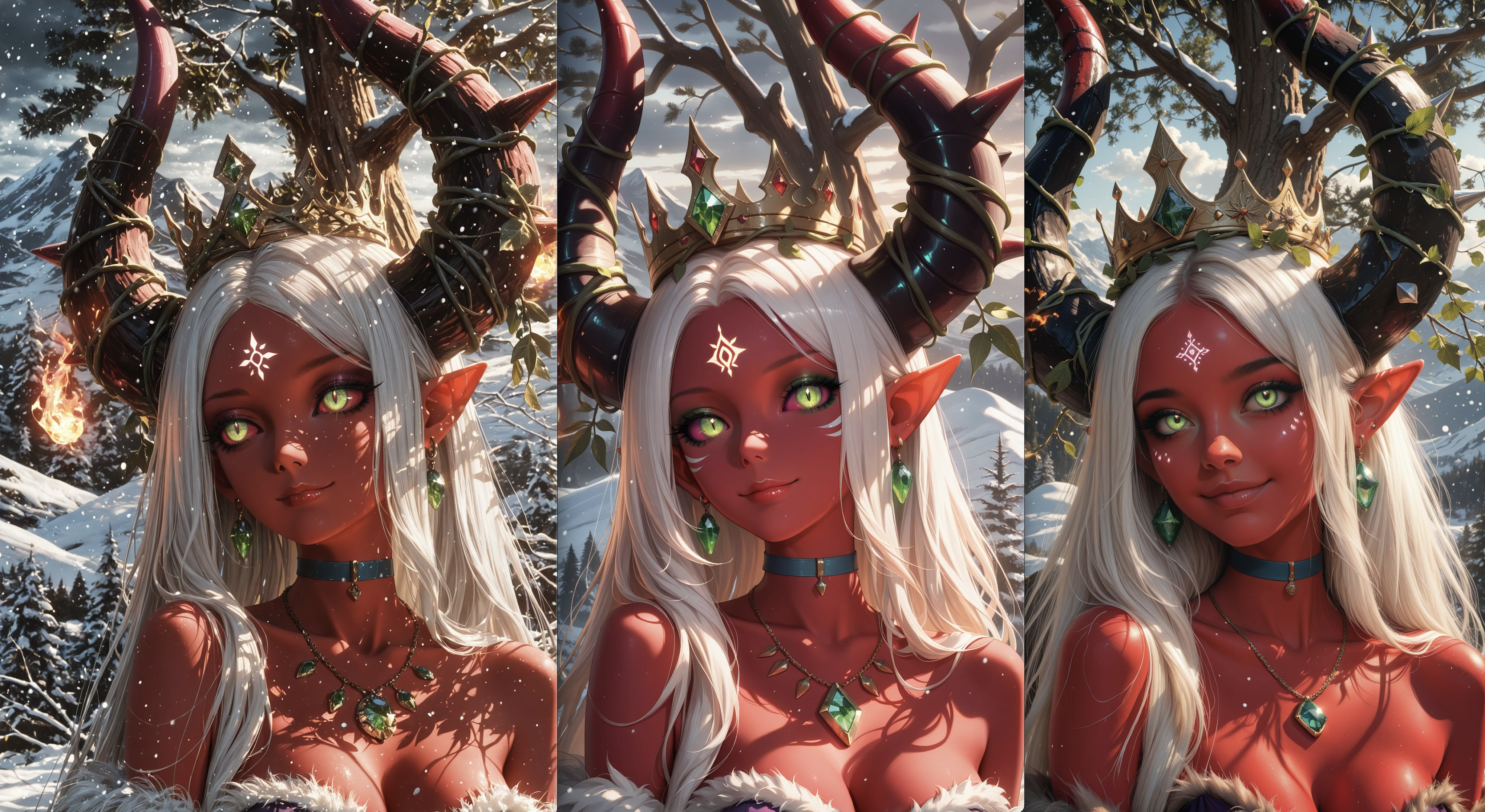
Then the final comparison — zoomed in, side by side, picking the one with the best detail, the best expression, the best lighting:
The Final Result
One prompt. One recipe. 80 txt2img variations. Narrowed to 4. One winner through 21 img2img passes. One final image.

The left side is what came out of the batch. The right side is what came out of the pipeline. Same concept — completely different level of quality.
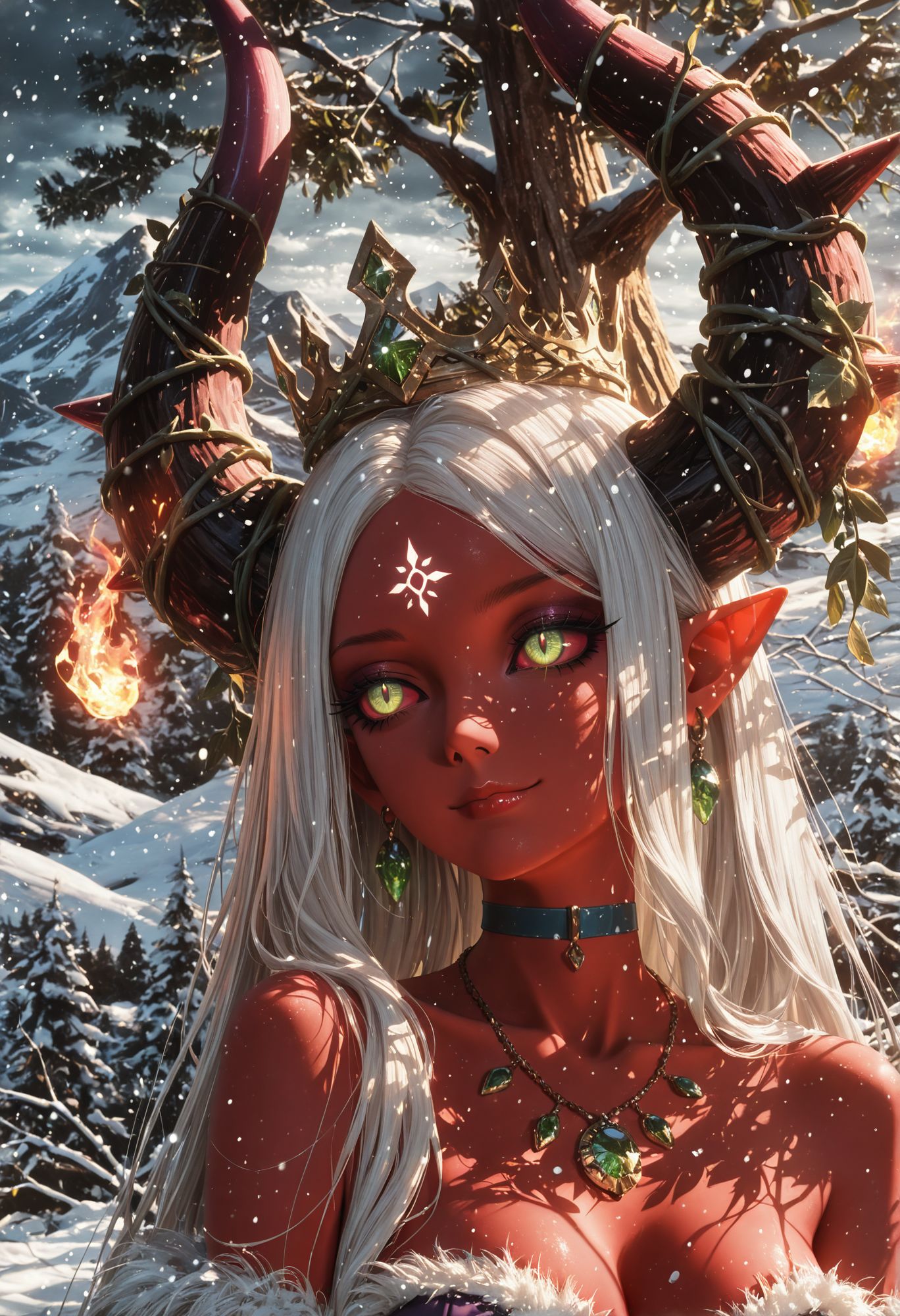
This is how I produce 100-500 images a day. Not by writing 500 prompts — by building one recipe that generates 500 variations, then filtering down to the ones worth keeping.
The Two Workflows
Now you've seen both of my main approaches:
Flow A — The reference image pipeline. Start from a specific image, crop it, tag it, enhance it, generate targeted variations, polish. Best for when I have a clear vision of what I want.
Flow B — The recipe system (this tutorial). Start from a concept, build a recipe with variation slots, generate hundreds automatically, cherry-pick, polish. Best for exploring possibilities and producing volume.
Most days I use both. I'll run a recipe in the background while I work on specific reference-based images. The recipe generates quantity. The reference pipeline generates precision.
Want the Full System?
This tutorial showed you what the recipe system does. The detailed breakdowns — how to build recipes, how the splitter works, how to set up checkpoint cycling and LoRA mixing, how to configure the generation scripts — those are available for Prompt Insider and Full Workshop members.
If you're generating images one at a time and wondering how some people produce hundreds a day, this is the answer. It's not about being faster. It's about building a system that generates for you.
Related Tutorials
Two Hard Rules For Blind Evals: 5-Prompt Floor And Always-Control
You ran a blind eval, picked a winner, almost shipped it — then a verification round flipped the result entirely. The candidate that won two of three prompts placed fourth across five. Three prompts felt like enough data; it was actually noise dressed up as signal. There are two specific design rules that prevent this failure: a hard floor on prompt count, and always including the previous version as a control. Cheap to apply, painful to ignore. Here's what each one buys you and the exact thresholds I use now.
Weighted Scoring — When Your 3/2/1 Tournament Hides The Real Winner
Your blind eval came back with two models tied at the top. 21 points each across 10 prompts under standard 3 / 2 / 1 top-3 ranking. Looks like a coin flip. It probably isn't. The standard scoring scheme treats 'never bombs' and 'wins more often' as equivalent — but for production model selection, those are very different qualities. Here's how to re-score the same data under different weighting schemes to surface the real preference, why ties under standard scoring often resolve cleanly when you reweight, and how to pick a scoring scheme that matches what you'll actually do with the result.
Multi-Round Merge Tournaments: Wide → Narrow → Dial-In
You ran a tournament with five candidate merges. Picked a winner. Shipped it. Two months later you wonder if the loser at slot 3 might have actually been better with slightly different weights — and you have no way to know without redoing everything. The fix is a multi-round tournament structure: wide net first, narrow on the winner's neighborhood, dial in along a single axis. Three rounds, ten or so total candidates, an answer you can defend. Here's how to design each round so the result is interpretable, not just a winner.